Starting university? Going back to school? Buying a laptop for your kid? Choosing the right student laptop is one of the most important tech decisions you'll make — it needs to last 3-4 years, handle all your coursework, and not break the bank.
At K2J Tech, we sell laptops to students every year. Here's our honest, no-nonsense guide to picking the right one in 2026.
What Specs Actually Matter for Students?
Don't get overwhelmed by spec sheets. Here's what to focus on:
RAM (Memory) — The #1 Spec
- 8GB minimum — absolute floor for smooth multitasking in 2026
- 16GB recommended — if you'll run multiple apps, browser tabs, and video calls simultaneously
- Skip 4GB — it will struggle with modern web browsers alone
Storage — SSD is Non-Negotiable
- 256GB SSD minimum — fast boot, quick app loading
- 512GB SSD recommended — comfortable space for files, projects, and software
- Avoid HDD (hard drive) — any laptop still using a spinning hard drive will feel painfully slow
Pro Tip: We Upgrade Laptops
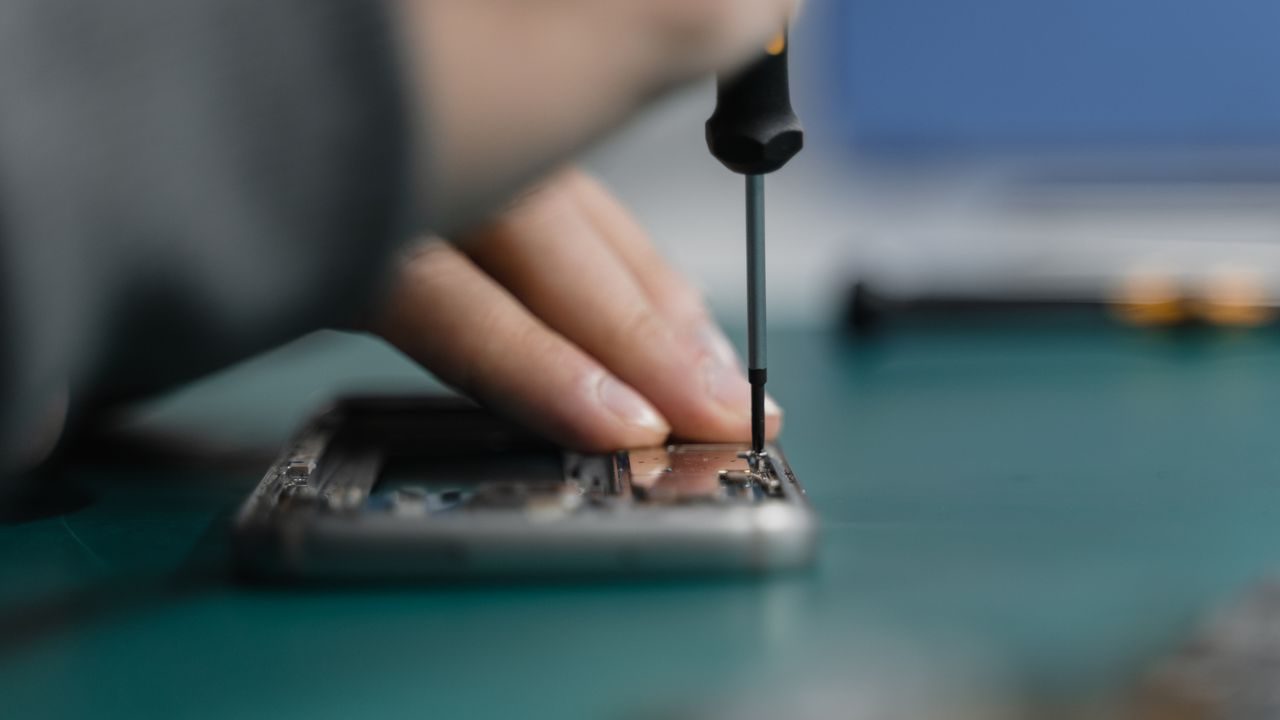
Found a great deal on a laptop with only 4GB RAM or a small HDD? Bring it to K2J Tech — we can upgrade the RAM and replace the HDD with an SSD same-day. This can save you money while getting premium performance. Check out our laptop speed-up guide for more details.
Processor (CPU)
- Intel Core i5 / AMD Ryzen 5 — perfect for most students
- Intel Core i7 / AMD Ryzen 7 — for engineering, video editing, or design students
- Intel Core i3 / AMD Ryzen 3 — okay for basic tasks (Word, browsing, email) only
- Apple M-series — excellent performance and battery life, but runs macOS
Screen Size
- 13-14 inch: Best portability — light, easy to carry to class, good battery life
- 15.6 inch: Good balance — comfortable for extended use, still portable
- 17 inch: Desktop replacement — great screen but heavy and poor battery life
Battery Life
Look for 8+ hours of real-world battery life. Marketing claims of "12 hours" usually translate to 7-8 hours of actual use. This matters when you're in lectures all day without access to a power outlet.
Windows vs macOS vs Chromebook
Windows Laptops:
- Widest software compatibility — runs everything
- Available at every price point (€200 to €3000+)
- Best for engineering, IT, business, and gaming students
- Most brands: Dell, HP, Lenovo, Asus, Acer
MacBook (macOS):
- Exceptional build quality and battery life
- Best for creative students (design, music, video, photography)
- Excellent for programming (popular in computer science)
- Premium pricing — no budget options available
Chromebook:
- Most affordable option — excellent for tight budgets
- Perfect if you live in the Google ecosystem (Docs, Sheets, Drive)
- Very fast boot time and minimal maintenance
- Cannot run Windows/Mac software — web-based only
Our Top Picks by Budget
Budget (€300-500) — Best Value
Look for: 8GB RAM, 256GB SSD, Intel i3/i5 or Ryzen 3/5, 15.6" display
- Acer Aspire series — reliable, good specs for the price
- Lenovo IdeaPad series — excellent keyboards, sturdy build
- HP 15s series — good all-rounder for basic needs
Mid-Range (€500-800) — The Sweet Spot
Look for: 16GB RAM, 512GB SSD, Intel i5/Ryzen 5, good display quality
- Lenovo ThinkPad E-series — legendary keyboard and durability
- Dell Inspiron 14/15 — solid performance, professional look
- ASUS VivoBook series — slim, lightweight, great screens
Premium (€800+) — Future-Proofed
Look for: 16GB+ RAM, 512GB+ SSD, i7/Ryzen 7 or Apple M-series, premium display
- MacBook Air M3/M4 — incredible battery life, silent, powerful
- Dell XPS 13/14 — stunning display, ultra-portable
- Lenovo ThinkPad X-series — corporate-grade reliability, amazing keyboard
Avoid These Mistakes
Don't buy a gaming laptop for school — they're heavy, have terrible battery life, and cost more for specs you won't use. Don't buy the cheapest option with 4GB RAM — you'll regret it within months. Don't buy without trying the keyboard — you'll type thousands of pages on it.
New vs. Refurbished: The Smart Choice
Students on a budget should seriously consider refurbished laptops. At K2J Tech, our refurbished laptops are:
- Thoroughly tested — battery, screen, keyboard, ports, WiFi, everything
- Cleaned and sanitized — like-new condition
- Fresh OS installation — no previous user's files or bloatware
- Upgraded if needed — new SSD, more RAM, fresh thermal paste
- Significantly cheaper — get a premium spec laptop at a mid-range price
A refurbished ThinkPad or Dell Latitude with an SSD upgrade can outperform many brand-new budget laptops — at a lower price.
Need a Student Laptop?
Visit K2J Tech in Sarandë to see our selection of new and refurbished laptops. We'll help you find the perfect laptop for your studies and budget — and we can upgrade the RAM or SSD on the spot.
Visit Our Store