Phone won't charge or cable keeps falling out? In over 70% of cases, the issue is simply compressed pocket lint and beach sand preventing the cable from clicking into place. However, digging inside with metal pins can snap delicate electrical contacts. If gentle cleaning with a non-conductive pick doesn't resolve it, K2J Tech in Sarandë provides free port diagnostics and same-day micro-soldered port replacement.
Few things are more frustrating than plugging your phone in overnight only to wake up to a dead 1% battery. Or having to hold your charging cable at an awkward 45-degree angle just to keep the charging icon active.
Whether you're using an iPhone with USB-C or Lightning, or an Android device (Samsung, Xiaomi, Google Pixel), charging port faults are one of the most common issues we diagnose at K2J Tech in Sarandë. Before you buy an expensive new charger or assume your battery is dead, here is what you need to know.
The Diagnostic Matrix: Lint vs. Broken Pins vs. Dead Battery
Before jumping to conclusions, use this quick checklist created by K2J Tech technicians to identify the exact root cause of your charging malfunction:
| Symptom | Probable Cause | Recommended Action |
|---|---|---|
| Cable won't push all the way in; gap between plug & phone | Compressed pocket lint / sand buildup | Safe non-metallic cleaning or free K2J Tech inspection |
| Charges only when cable is bent or held at an angle | Damaged charging cable OR loose internal retention springs | Test with a new high-quality cable first; replace port if it persists |
| Phone vibrates or beeps repeatedly every few seconds | Oxidized contact pins or faulty power adapter | Clean contact points with isopropyl alcohol (99%) or swap charging brick |
| Burning smell, dark charring on pins, or zero response | Electrical short circuit / burnt port traces | Do NOT plug in again; immediate board-level repair needed |
Stop By for a Free Charging Port Inspection
Don't risk snapping delicate internal pins. Our technicians at Sheshi Europa inspect and clear ports in minutes.
WhatsApp Diagnostics: +355 68 607 0711How to Safely Clean a Phone Charging Port at Home
If you suspect pocket lint is the culprit, follow these safe, shop-approved steps:
- Turn the phone completely OFF: Never attempt to clean a live charging port with power coursing through the motherboard.
- Use bright illumination: Shine a flashlight or smartphone torch straight into the cavity. You will likely see a gray layer of compressed fluff at the very back.
- Use a trimmed wooden toothpick or plastic dental flosser: Gently shave the tip of a wooden toothpick to make it thin and flat. Carefully insert it along the outer wall of the port.
- Scoop from back to front: Gently scrape the bottom floor of the port and drag outward. Avoid scraping the delicate middle tongue where USB-C data pins are mounted.
- Blow out loose debris with compressed air: Use short, gentle bursts of compressed air held at a slight angle. Never blow into the port with your mouth, as saliva droplets introduce corrosive moisture.
Warning: The Danger of Metal Sewing Needles and SIM Ejectors
Every week, customers bring phones to K2J Tech where an attempt to clean the port with a needle bent the copper pins or stripped the gold plating. Once the pins touch each other, plugging in a fast charger can permanently destroy the charging controller chip on your logic board.
When Port Replacement Is Necessary
If your port is completely clean but the phone still refuses to draw current, the port assembly itself may be physically compromised. Common reasons include:
- Corrosion from beach humidity or salt water: In coastal Sarandë, microscopic salt crystals attract air moisture, oxidizing copper contacts within days.
- Tripped or yanked cables: Tripping over a charging cord can snap the internal anchor solder joints connecting the socket to the sub-board.
- Wear and tear: After 1,500+ plugin cycles, the mechanical springs inside USB-C sockets lose their tension, causing cables to wobble and disconnect.
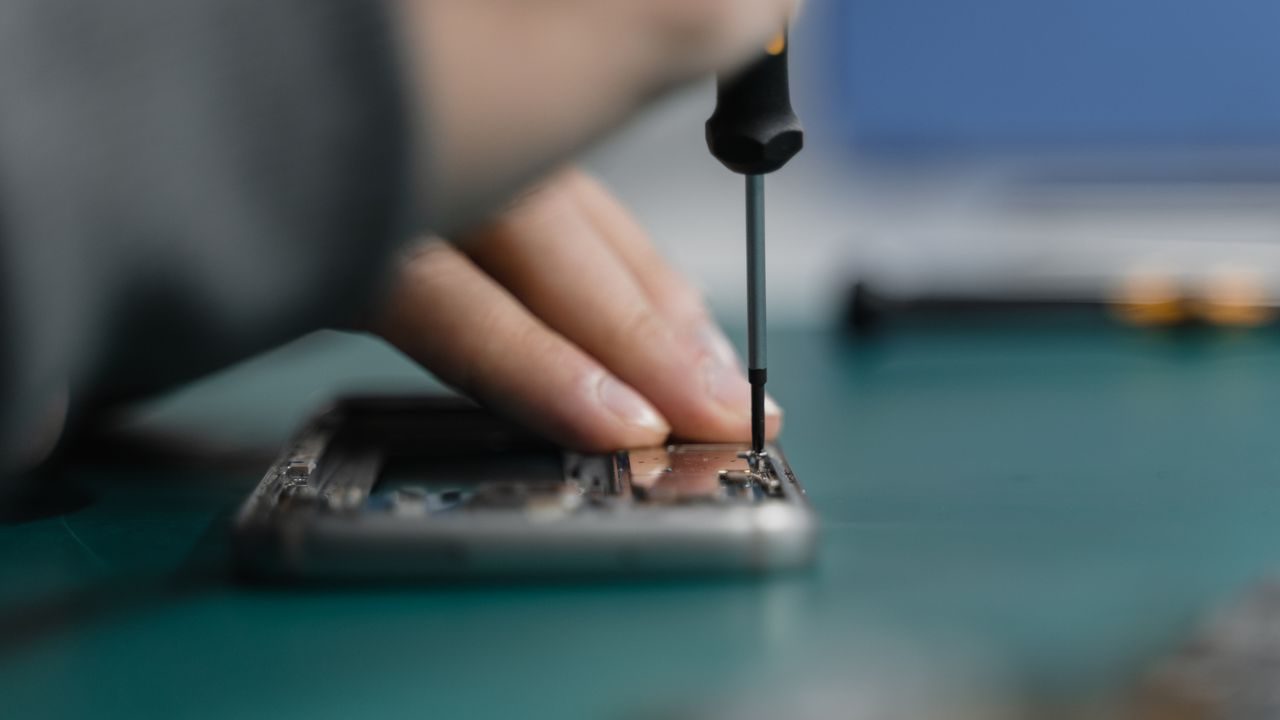
At K2J Tech, our technicians disassemble the phone, de-solder the damaged port or swap the OEM daughterboard assembly, apply new protective waterproofing gaskets, and test power intake with an inline USB digital multimeter to ensure clean, fast charging.
Frequently Asked Questions
Why does my charging cable keep slipping out of my phone?
Over months of carrying your phone in pockets and bags, fabric fibers and lint get shoved into the bottom of the port every time you plug in a cable. Eventually, the lint forms a dense, rock-hard pad that prevents the cable's retention springs from snapping into place.
Can I clean my charging port with a paperclip or safety pin?
NEVER use metal objects like paperclips, safety pins, or needles. Metal conducts electricity and can short-circuit the 5V/9V charging pins to ground, permanently frying your phone's Tristar/Hydra charging IC on the logic board. Always use wooden or non-conductive plastic tools, or let K2J Tech clean it safely.
What does a 'Liquid Detected in Charging Port' alert mean?
Modern smartphones detect conductivity across charging pins caused by moisture or salt residues. Do not charge your phone while this warning is active. Let it air dry completely, or bring it to K2J Tech for ultrasonic moisture clearing if you were near the sea in Sarandë.
How much does a charging port repair cost and how long does it take?
If it only requires professional lint extraction and contact deoxidation, it takes just 10 minutes and costs very little. If the internal port pins are physically bent or burnt, full sub-board or daughterboard replacement takes 30 to 60 minutes at K2J Tech.
Charging Cable Loose or Phone Not Responding?
Drop by K2J Tech near Sheshi Europa, Sarandë. We offer free port inspections and 30-minute port repairs.