When only one earbud plays sound, the fix is often quick and free. This guide shows how to tell a dirty speaker, a flat battery and a faulty part apart, and when to bring your earbuds to our workshop in Sarandë.
Why one earbud stops working
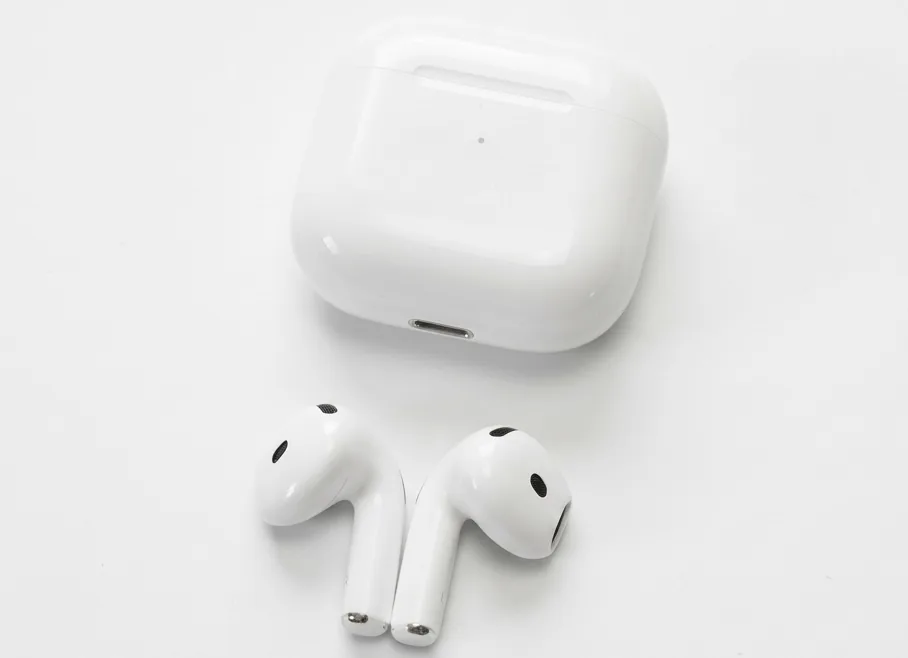
Wireless earbuds are small, and each bud has its own battery, speaker and charging contacts. That means a problem can affect only one side. The most common causes are dirt in the speaker mesh, a flat battery in one bud, a weak Bluetooth connection, or a worn charging contact. Most can be checked in a few minutes at home.
In short
- Clean the speaker mesh and charging contacts first.
- Charge both buds in the case and test each one on its own.
- Reset and pair again if the sound still drops to one side.
- Bring them in if a bud does not charge or its battery drains within a few hours.
Step 1: Clean the speaker and the contacts
- Check the mesh. Look at the small grille over the speaker. Earwax and dust block sound and make one side sound quiet or muffled.
- Brush gently. Use a soft, dry brush or a clean wooden toothpick to lift debris from the grille. Never push it deeper into the earbud.
- Clean the contacts. Wipe the charging pins on each bud and the inside of the case with a dry cotton swab. Dirty contacts are a common reason one bud does not charge.
Step 2: Check the battery of each bud
Put both buds in the case and charge them for at least 20 minutes. Then play music and listen to each bud separately, covering the other one with your hand or switching to mono audio if your phone allows it. If one bud is much quieter or cuts out after a short time, its battery is probably weaker than the other.
Tip: swap to test
Place the left bud in the right slot of the case for one charge cycle. If the problem moves with the bud, the fault is in the bud. If it stays on the same side, the case or its contacts are the cause.
Step 3: Reset and pair again
A bad connection can make one bud go silent even when it is working. Remove the earbuds from the Bluetooth list on your phone, put both buds back in the case, hold the reset button on the case as your manual describes (usually 10 to 15 seconds), and pair them again. Keep the case open next to the phone while you pair.
When to repair and when to replace
Repair is usually worthwhile when the earbuds are less than two or three years old and the problem is the battery, a charging contact or the speaker. Replacing a single bud can cost less than a new pair, so ask first whether the other side still performs well.
| Symptom | Likely cause | What to do |
|---|---|---|
| One side quiet or muffled | Dirt in the speaker mesh | Clean it with a dry brush |
| One bud does not charge | Dirty or bent contacts | Clean the pins and check the case |
| One bud dies within hours | Worn battery | Battery replacement at the workshop |
| Sound cuts in and out | Weak Bluetooth pairing | Reset and pair again |
| No sound from either bud | Case, software or board fault | Bring them in for a check |
Warning: avoid liquids and sharp tools
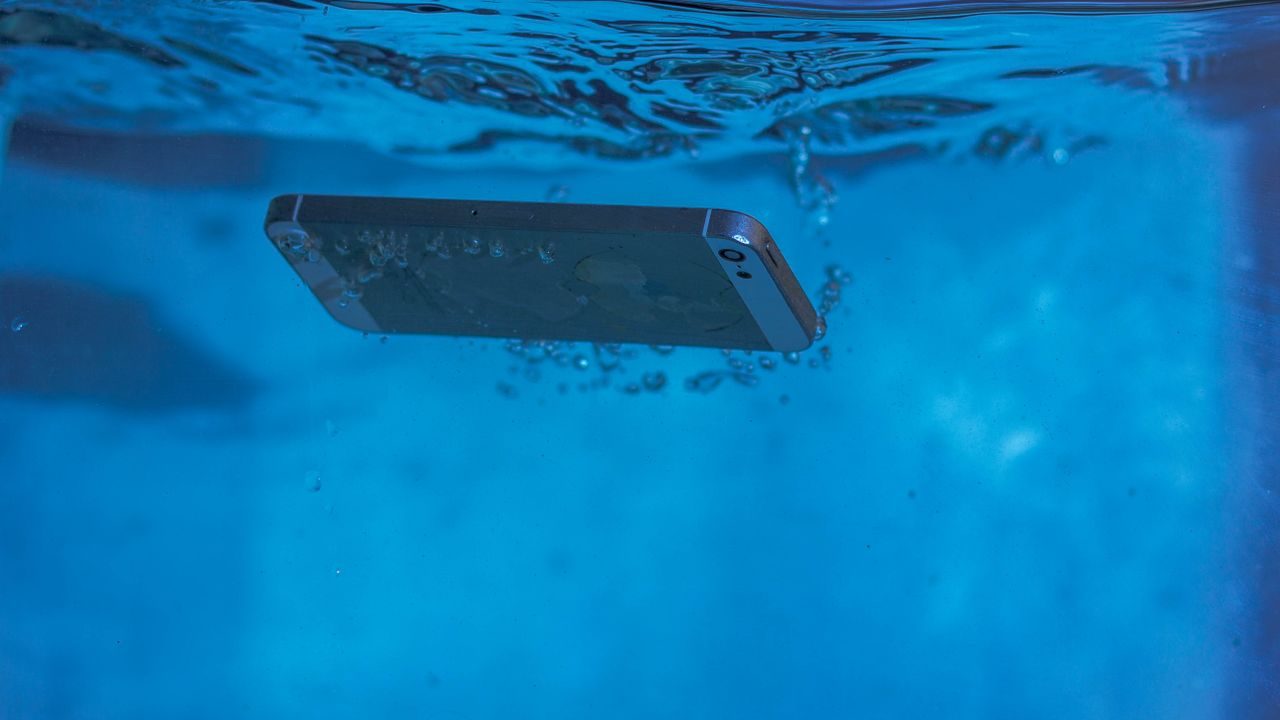
Do not put earbuds in water or in a bag of rice to dry them, and never push sharp metal tools into the speaker. Liquid can corrode the circuit board, and a needle can tear the speaker membrane. If they have been wet, switch them off and bring them to us.
Repairs at our Sarandë workshop
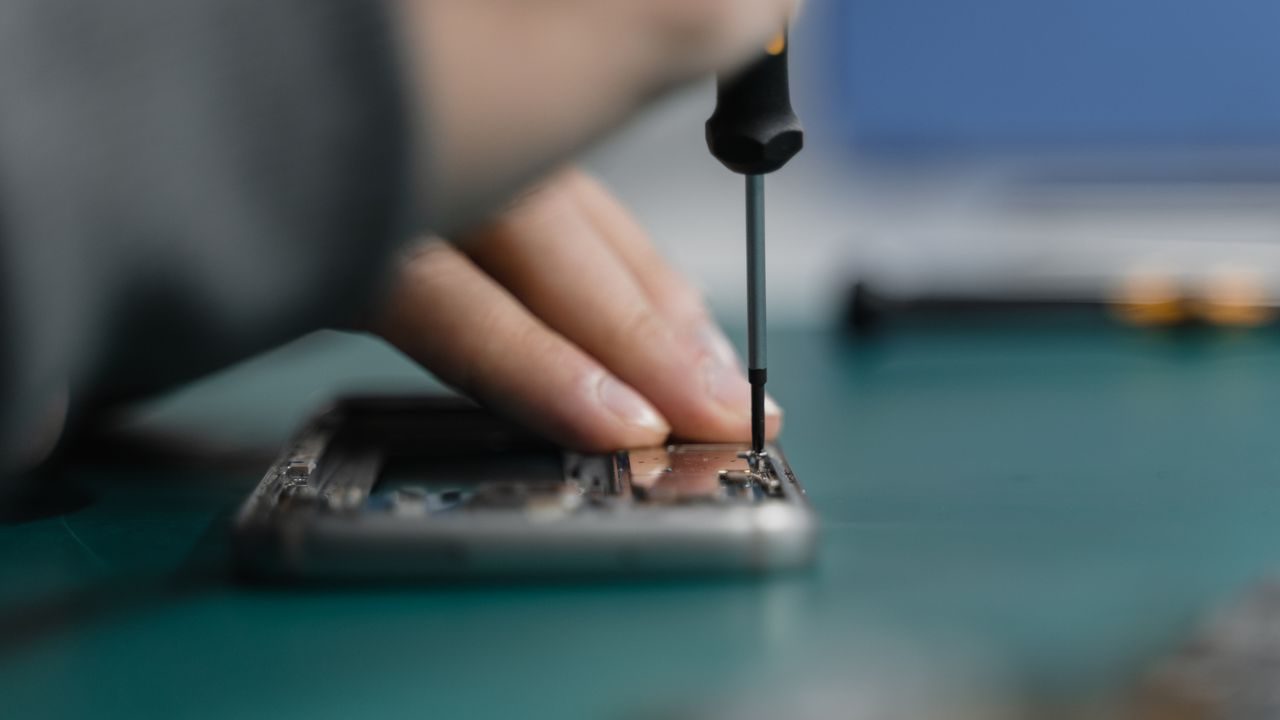
We check earbuds and their cases at our workshop in Sarandë. We can test each bud, replace a worn battery, repair a charging contact and check the circuit board. If the earbuds cannot be repaired, we can help you choose a replacement from our range in the shop.
Frequently asked questions
The most common causes are dirt in the speaker, a flat battery in one bud or a weak Bluetooth pairing. Clean, charge and reset the earbuds before assuming a fault.
Yes, for cleaning, resetting and pairing. Battery and board repairs need the right tools, so bring them to a workshop.
Most wireless earbud batteries stay useful for two to three years of regular use before the charge drops noticeably.
Want to check your earbuds in person? Contact us to book a look at the Sarandë workshop.